
HidHide setup: prevent double controller input
HidHide controls which applications can see selected physical controllers.
On this page
Recognise a hiding problem
Typical symptoms include menu selections moving twice, a second player appearing, or a game ignoring your remaps because it is reading the physical pad. HidHide is not a universal requirement: a game that already sees only the intended device may work without it.
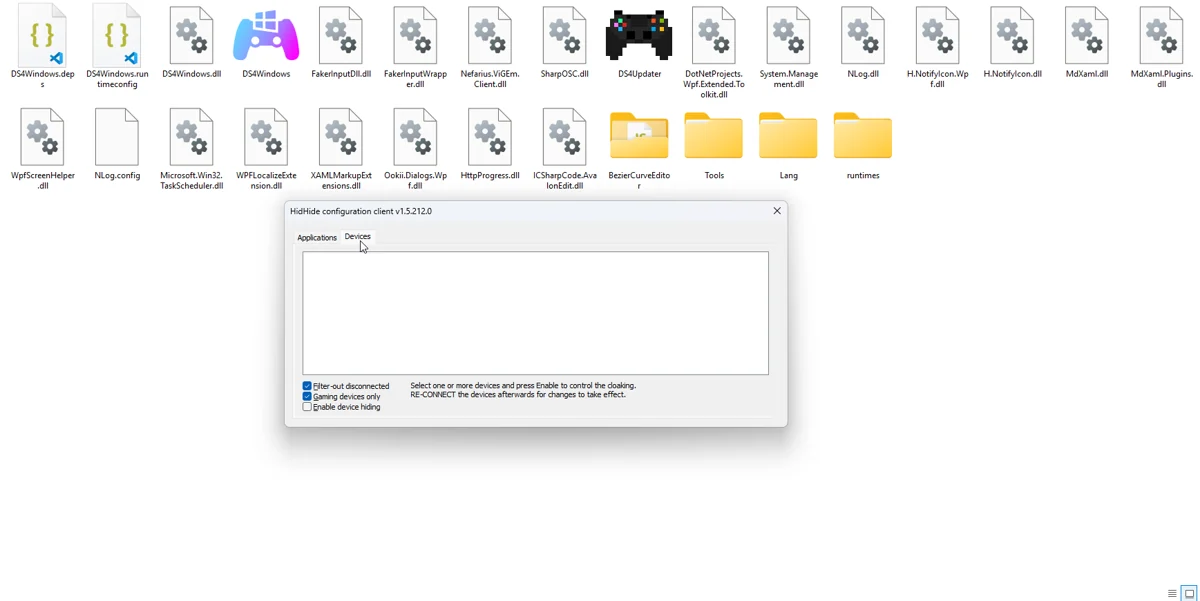
Configure all three parts
- Install HidHide from Nefarius and complete any required restart.
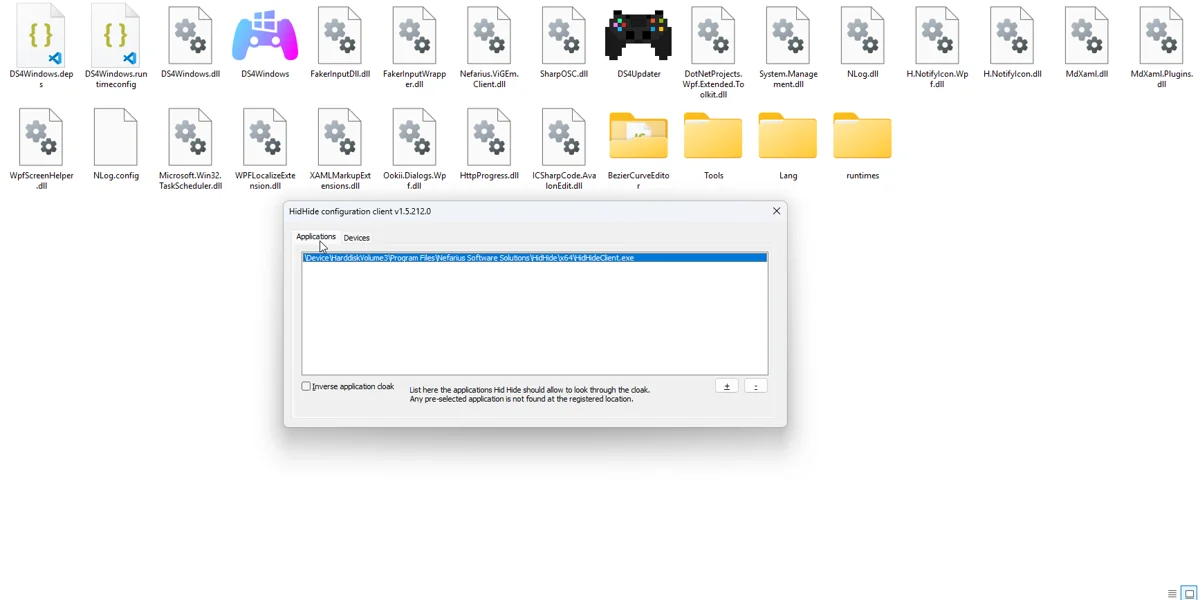
- Open HidHide Configuration Client. Under Applications, add the exact DS4Windows.exe path you use.
- Under Devices, identify and tick the physical controller. Leave the virtual output visible.
- Enable device hiding. Leave inverse application cloak off for the standard allowlist arrangement.
- Reconnect the physical controller and test from an application that is not on the allowlist.
USB and Bluetooth need separate attention
The same controller can have distinct Windows device entries for wired and wireless connections. Test both transports and mark only the correct physical device instances. If you move DS4Windows to a new folder, update the executable path in the allowlist.
If the controller disappears
Temporarily turn off Enable device hiding and reconnect it. If input returns, fix the allowlist or device selection before re-enabling hiding. Inverse cloak reverses the usual application rule and can make the configuration appear ineffective.
Verify the result
Keep DS4Windows open and check that it still receives physical input. In a separate tester, confirm that the intended virtual controller responds once. A virtual controller responding does not prove the physical one is hidden; inspect the tester device list and your game behaviour.
Related guides
Sources: HidHide setup documentation · Project and screenshot credits. Updated 11 November 2026.