
Controller detected in DS4Windows but ignored by games
A controller row in DS4Windows proves physical input is being read.
On this page
First check
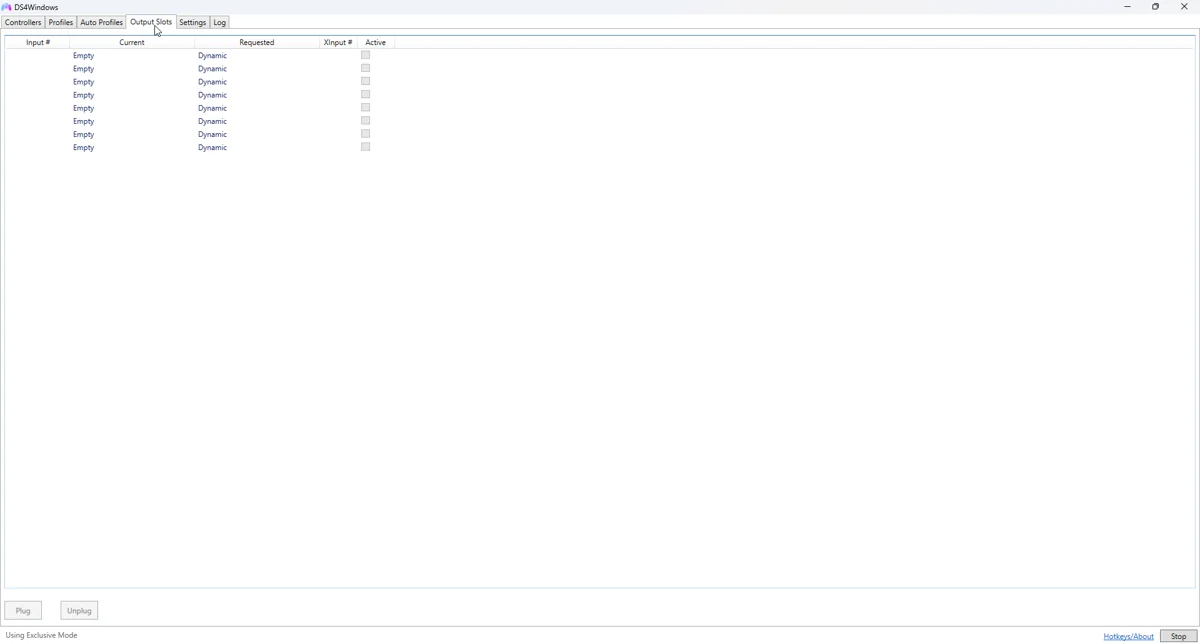
Choose a simple profile with Xbox 360 output as a first compatibility test. Check that output is enabled. Classic builds need ViGEmBus; Nexus needs its working VIIPER/USBIP setup. Read the Log tab for creation failures.
Apply the targeted fix
Open joy.cpl and test the intended virtual device. If no output exists, repair the matching backend through the build’s setup flow before changing game settings. If output exists and responds, focus on that game’s input path.
If the symptom continues
Close the game and restart it after the output controller is available. Some games enumerate pads at launch. Disconnect extra idle controllers and check the selected player or controller index in the game.
What to avoid
Inspect Steam Input and other remappers. Use either the game’s intended native controller path or one deliberate remapping layer for diagnosis. If the game sees the physical controller and ignores the virtual one, configure HidHide carefully.
Useful details for support
Record the app edition and version, controller model, connection type, active profile and the relevant log error. Say whether Windows sees physical input and whether the virtual device responds. These details identify the failing layer much better than a screenshot saying only that no controller is connected.
Related guides
Sources: Nexus release documentation · Project and screenshot credits. Updated 11 November 2026.